Newsletter Subscribe
Enter your email address below and subscribe to our newsletter

Enter your email address below and subscribe to our newsletter
All voices matter
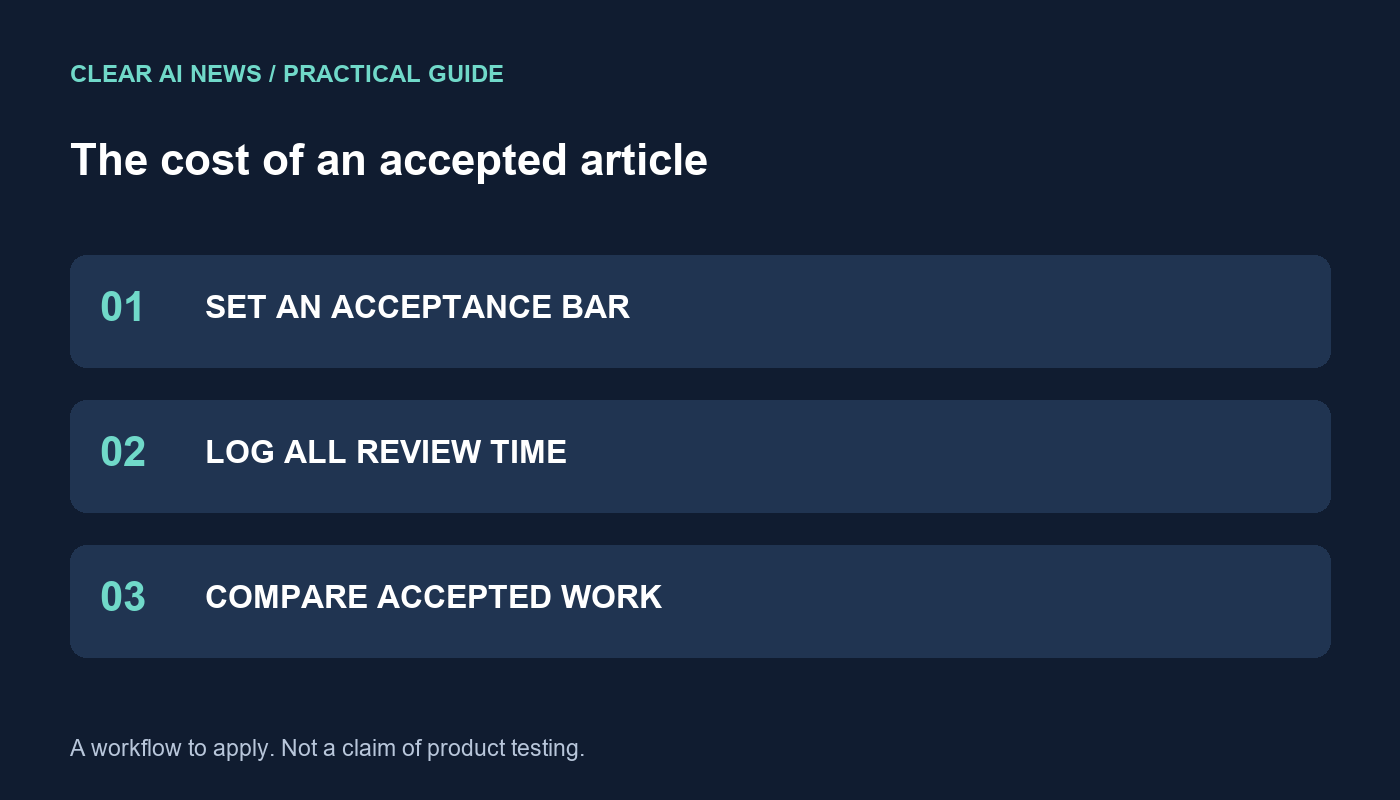
Track drafting, verification and revision time to see whether an AI writing workflow reduces the cost of an accepted article.
The subscription price of a writing tool is only one part of its cost. A fast draft may still need source checking, restructuring and extensive revision. To judge whether AI assistance helps your publishing workflow, measure the effort required to produce an article that meets a defined standard. This worksheet uses hypothetical arithmetic, not purported product testing or interviews.
Choose one recurring type of work, such as a short tutorial based on supplied documentation. Specify the audience, required sections, source requirements and conditions for acceptance. A draft should not count as finished simply because it reaches the requested length.
Separate critical problems from stylistic preferences. A fabricated quotation or incorrect instruction must be resolved. A sentence that could be shorter may require a smaller edit. Keep the same acceptance criteria for assisted and unassisted work; otherwise the faster method may merely be receiving less scrutiny.
Record the feature being evaluated, not just the brand name. Generating a rough draft, rephrasing a sentence and checking grammar are different jobs. Comparing a drafting tool with an editing feature without acknowledging the distinction can produce a misleading ranking.
For example, ProWritingAid describes Rephrase as a way to reword existing sentences. That description supports evaluating sentence revision; it does not establish that every factual assertion in a document has been independently verified. Check the documentation for any claimed verification feature and inspect its evidence directly.
For each article, record minutes spent preparing the brief, generating or drafting text, checking sources, revising, formatting and completing final review. Include failed drafts. If the result is discarded, preserve the time and cost as an unsuccessful attempt rather than quietly excluding it.
Use a notes column to explain unusual cases. A topic requiring fresh research should not be treated as equivalent to one based on a complete source packet. When comparing workflows, use similar assignments and alternate the order where practical so increasing familiarity with a topic does not always favor the second method.
Suppose a workflow saves twelve minutes per accepted article and you value that time at $30 per hour. The illustrative time value is $6 per article: twelve divided by sixty, multiplied by thirty. A hypothetical $24 monthly subscription would require four accepted articles to match that amount, before other costs.
Those figures are an example, not a forecast. If checking additional errors consumes the twelve minutes, the estimated saving disappears. Include setup, training, usage fees and any extra review before deciding whether the workflow pays for itself. Saving staff time also does not automatically create cash revenue.
Add columns for unsupported claims, incorrect references, missing requirements and meaning-changing edits. Record how each issue was resolved. A single average score can hide a serious error, especially when an article concerns a decision readers may act on.
A useful acceptance note is specific: “All three quoted figures checked against the supplied source; one incorrect date corrected; instructions reviewed against the documented interface.” Avoid broad certifications such as “fully fact-checked” when only part of the article received that treatment. The ledger should let another reviewer understand the actual work.
If assisted drafting needs too much repair, try a narrower role: suggesting an outline, proposing headings or rephrasing text you have already verified. Preserve the original and compare changes before accepting them. A tool can be helpful for one stage without earning control over the entire publication process.
At the end of the trial, write down the assignments evaluated, total accepted pieces, discarded attempts, observed time and unresolved limitations. Continue only the part that meets your standards. Review the decision again after material product or workflow changes, using the saved baseline rather than a remembered impression.
ProWritingAid’s description of Rephrase; An editorial rubric for comparing writing tools; Fact-checking and corrections.
The tools, tutorials, and trends that actually pay — no hype.


The tools, tutorials, and trends that actually pay — no hype.