Newsletter Subscribe
Enter your email address below and subscribe to our newsletter

Enter your email address below and subscribe to our newsletter
All voices matter
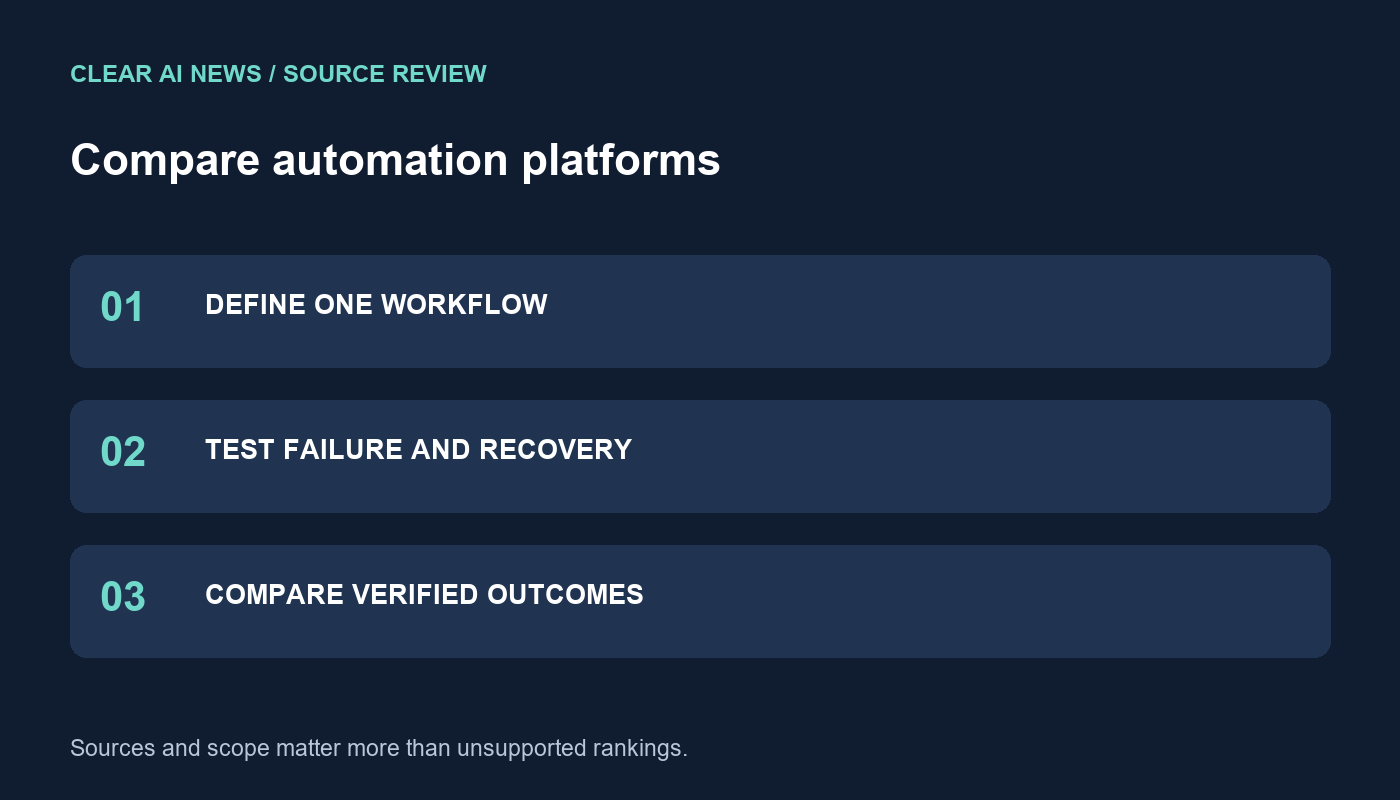
Evaluate Zapier, Make and n8n using a repeatable workflow, recovery tests, data-flow checks and a cost worksheet.
Choosing between Zapier, Make and n8n starts with the workflow you need to operate. A connector list cannot tell you whether a failed run can be recovered without sending the same message twice. This guide provides a practical comparison worksheet, with a fictional example you can adapt. It does not report hands-on speed tests, measured savings or a universal platform ranking.
Use a small, nonproduction workflow for your comparison. For example, a fictional service business receives an inquiry through a form, checks that required fields exist, assigns a category, creates a record and sends an internal notification. Success means one correct record and one notification for each accepted inquiry. Invalid submissions should reach a review queue instead of silently disappearing.
Write down the input fields, allowed categories, destination fields and completion deadline before building anything. Keep these requirements identical across candidates. If you include an AI classification step, use the same prompt and model configuration where possible. Record differences when a platform cannot support that configuration. Compare the model separately with a repeatable task scorecard.
Verify the specific trigger and action, not just whether an application logo appears in an integration directory. Can the connection update an existing record, retrieve its identifier and expose errors? Does it require polling or receive an event? Can a service account own the connection, and what permissions does it need?
Create a simple capability table with columns for requirement, supported action, plan dependency, evidence link and unresolved question. Mark an unverified capability as unknown. A custom HTTP request may solve a missing action, but include the time needed to implement authentication, pagination and error handling in your assessment.
The vendors document different recovery controls. Zapier distinguishes replaying errors from replaying an entire run; an entire replay repeats earlier steps and successful actions can count toward usage again. Check the available behavior for your account and workflow before using it.
Make documents storage of incomplete executions, which is disabled by default. Its documentation describes manual recovery and automatic retry for supported situations. Verify that the relevant setting is enabled rather than assuming every failure is retained.
n8n documents retries using either the original workflow or the currently saved workflow. Record which version you use during a recovery test. Changing a workflow and replaying old input can produce a different result from retrying the original version.
| Controlled test | Expected result | Evidence to retain |
|---|---|---|
| Submit the same event twice | One intended record, with duplicates recognized | Event identifier and destination record |
| Omit a required field | Review queue receives the input | Validation message |
| Simulate a temporary destination failure | Failure is visible and recoverable | Run log and recovery result |
| Return an unexpected AI category | No unvalidated downstream action | Original output and validation decision |
| Interrupt after record creation | Recovery does not create a second record | Before-and-after destination check |
Run these checks with test accounts and fictional data. Use a stable event identifier and a destination lookup or supported duplicate-prevention mechanism. Do not assume a retry control guarantees exactly one downstream action. If a failed request may already have succeeded, inspect the destination before repeating it.
Draw the path from the original application through the automation service, any AI provider and the destination. Include execution logs, retained payloads and administrator access. A self-hosted workflow can still send data to external APIs; hosting location alone does not answer where information travels.
For a self-managed deployment, assign responsibility for updates, backups, credential rotation, monitoring and restoration. For a hosted service, check the relevant account controls and retention settings. Record who receives a failure alert and who can safely resume the workflow when its original builder is unavailable.
Do not treat tasks, credits, operations and workflow executions as interchangeable units. Copy the current billing definition and applicable allowance from each candidate’s pricing documentation when you make the decision. Count model usage, retries, storage and external services separately. Avoid multiplying a headline rate by an unrelated platform’s usage unit.
Your worksheet should include subscription cost, variable usage, infrastructure, setup time, maintenance time and manual correction time. Divide the total for the observation period by accepted outcomes from that same period. Keep the number of failed and abandoned inputs visible beside the result. A cheaper incomplete workflow is not an equivalent outcome.
Reject configurations that fail a requirement you marked essential. Among those that pass, compare recovery effort, ownership and total cost. Preserve the workflow version, test inputs, run identifiers and date so another person can reproduce the decision. Recheck after changing a connector, model or billing plan.
For a workflow that creates public text, add an editorial approval step using the AI writing evaluation rubric. Automation success should mean the intended, reviewed result arrived safely, rather than merely that every step displayed a green status.
The tools, tutorials, and trends that actually pay — no hype.


The tools, tutorials, and trends that actually pay — no hype.