Newsletter Subscribe
Enter your email address below and subscribe to our newsletter

Enter your email address below and subscribe to our newsletter
All voices matter
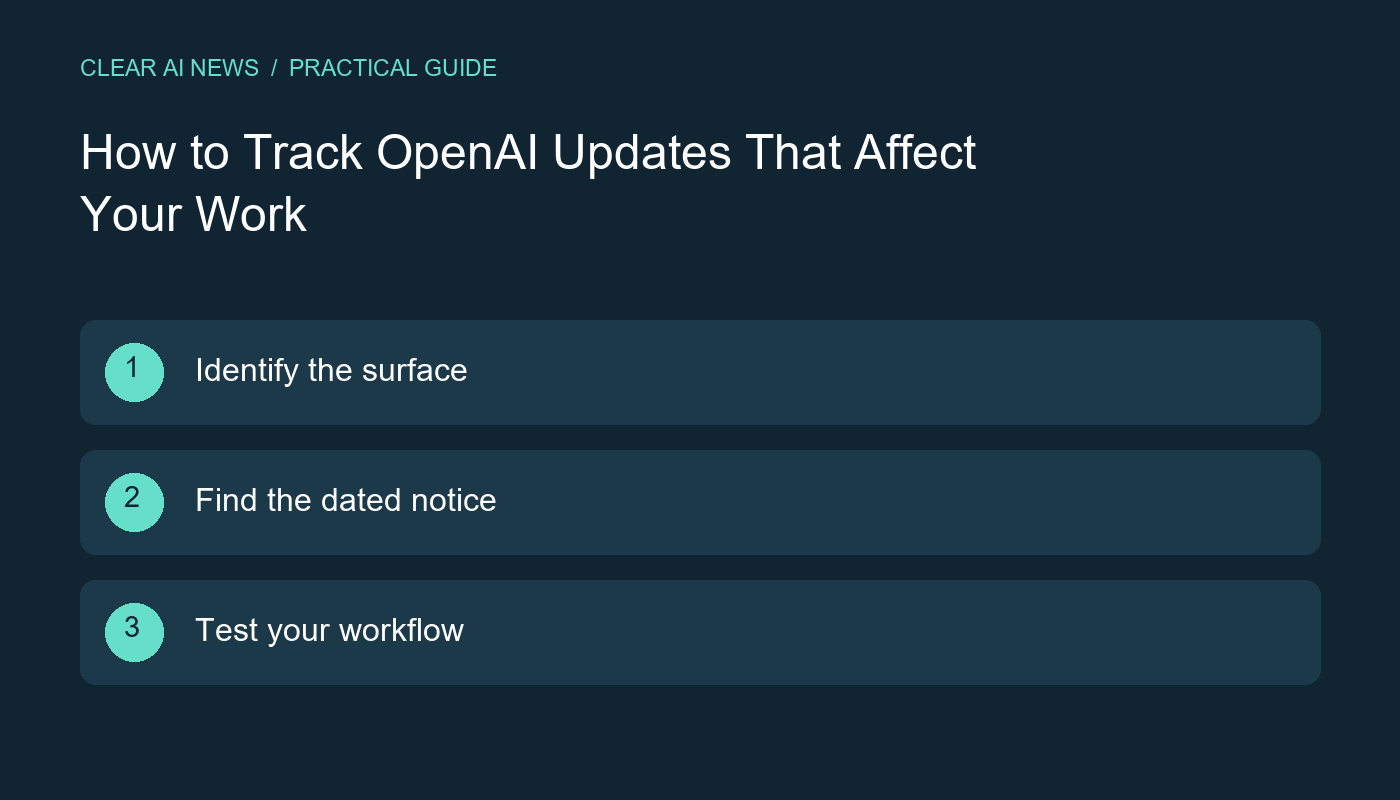
Separate ChatGPT updates from API changes and deprecations, then turn an announcement into a concrete compatibility check.
OpenAI updates can affect different products, interfaces and account types. A headline about a feature in ChatGPT does not by itself tell you what changed in an application built with the API. To decide whether an announcement matters, identify the surface you use, find the corresponding official notice and check the particular behavior your workflow depends on.
Write down whether you use ChatGPT directly, maintain an API integration, or use another company's application that incorporates OpenAI technology. These situations have different sources of operational information. An update to the third-party application may require documentation from its provider as well as the underlying platform.
For a personal workflow, record the task and interface you actually use. For an integration, record the relevant endpoint, configured model identifier and features your application depends on. Keep credentials and private request data out of this inventory. The purpose is to know what might be affected, not to assemble a public configuration dump.
OpenAI maintains ChatGPT release notes for product updates and an API changelog for developer-facing changes. Its API deprecations page records affected systems, shutdown dates and replacement guidance where provided. Consult the entry relevant to your situation rather than treating a broad announcement as a complete migration instruction.
Read the dated entry and follow any linked documentation for availability and requirements. Avoid copying a model name or deadline from an old summary without checking the current notice. This article explains a monitoring method; it intentionally does not maintain a static list of supposedly newest models or current prices.
Use a short record with these fields: official source, announcement date, affected component, applicability, required action and owner. If a notice does not apply to your setup, record why. If applicability is unclear, keep that uncertainty visible until documentation or a controlled check resolves it.
Here is a fictional example. A notice says an interface your application uses will be retired. Your record should name that interface, identify the component that calls it and link the migration instructions. A vague task such as update the AI is harder to verify and more likely to miss a dependency.
Before changing a production integration, prepare representative examples with permitted, non-sensitive data. Check the outputs your application consumes, including structured fields, error handling and any tool calls it expects. Preserve the relevant settings so that you can compare the existing and proposed behavior.
A successful request is only the first check. The response may be valid while failing the application's assumptions. For example, a parser might accept a result whose field meanings differ from what the user interface expects. Review the final user-visible outcome and the handling of failed or incomplete requests.
A recommended replacement is something to evaluate for your use case. Review documented differences, update the necessary code and configuration, and test before retiring the existing path. Where a transition permits it, plan a rollback or other recovery procedure. Assign someone to verify the change after release.
Record unresolved differences explicitly. If your workflow needs a feature that the proposed approach does not support, do not mark the migration complete merely because a sample request works. The next action may be redesigning that part of the workflow or obtaining clarification from the relevant documentation.
After evaluating an update, write down what changed, the source you checked, the tests performed and the outcome. Separate a documentation review from an actual integration test. If no change was necessary, that is still a useful result: record the reason so the same announcement does not trigger repeated investigation.
Review your watchlist when your workflow changes. Our AI news reading guide explains how to distinguish announcements from performance evidence, and our glossary covers terminology used in these notices. The guidance here is based on official documentation and a proposed change-management workflow.
ChatGPT release notes; OpenAI API changelog; OpenAI API deprecations; How to follow AI news; AI glossary.
The tools, tutorials, and trends that actually pay — no hype.


The tools, tutorials, and trends that actually pay — no hype.