Newsletter Subscribe
Enter your email address below and subscribe to our newsletter

Enter your email address below and subscribe to our newsletter
All voices matter
Evaluate Canva Pro using your own design tasks, with checks for editing effort, exports, asset permissions and account-specific plan terms.
Whether Canva Pro is useful depends on the designs you make and the work required to finish them. This is a documentation-based evaluation guide, not a hands-on product review. It provides a worksheet for comparing your current process with the capabilities available in your account. Use your own observations and account terms to reach a purchasing decision.
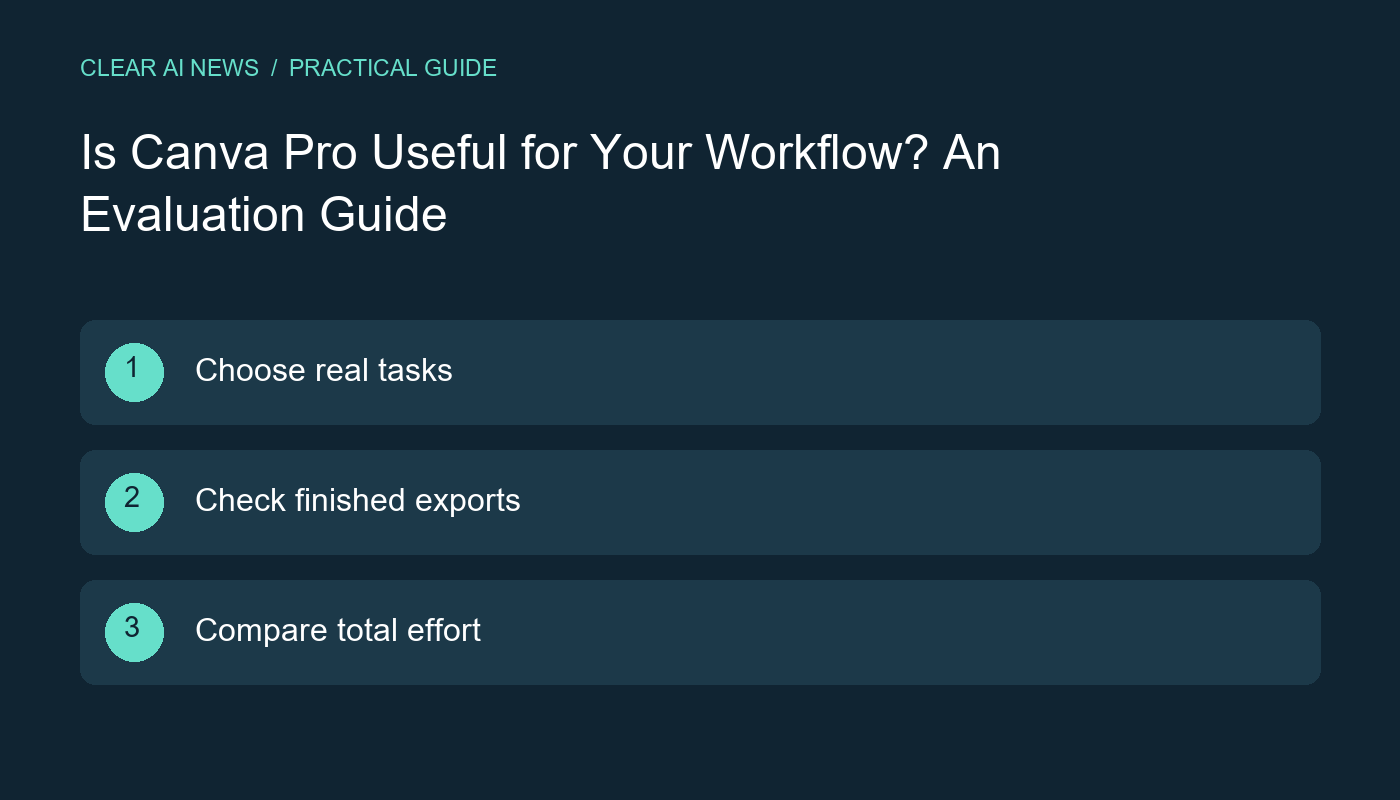
List a few recurring outputs, such as a newsletter image, a product announcement or a presentation. Record the required dimensions, format, brand elements and approval process. Include a difficult example rather than selecting only the easiest design. Your evaluation should reflect the work you expect the tool to handle.
Write down where your current process becomes slow. Perhaps you repeatedly rebuild layouts for different sizes or search for the correct logo. A feature is valuable when it addresses a real bottleneck. A long feature list alone does not establish that an upgrade is worthwhile.
Canva's official Pro page describes premium capabilities including Brand Kit and Magic Resize. Use that page and your account's plan details to check the features relevant to your tasks. Availability, usage allowances and commercial terms can change, so confirm them at the time of your decision.
Avoid assuming that a feature shown in a tutorial is included in every account. Record the plan, any usage restrictions and whether the feature is actually accessible to you. If a trial is offered, read its duration, billing and cancellation conditions before accepting it. This guide does not assert that a particular trial offer is available.
Run the same permitted design task through your existing process and the proposed workflow. Measure preparation, editing, review and export. Keep a note of anything that still requires another application. Use the finished output as the comparison point rather than stopping the timer when a template first appears.
For example, a hypothetical social graphic might look complete in the editor but still need corrected spacing, a readable mobile layout and an alternate-size version. Count those steps. If a generated image or text suggestion is unsuitable, include the time spent replacing it. These are suggested evaluation steps; record your own results in the worksheet.
Open the exported file and review it at the size and in the environment where the audience will see it. Check text legibility, cropping, image quality and any transparency you require. For a presentation, inspect the exported slides rather than assuming that the editor preview guarantees the same result everywhere.
If collaboration matters, test the actual handoff. Can the intended person access the design with the permissions they need? Can they complete the required edits? Confirm the behavior in the relevant accounts instead of assuming that a solo subscription includes every team workflow described elsewhere.
Before publishing, check the applicable terms for the specific content you use and how you intend to use it. Do not assume that every stock item or generated asset has identical permissions. Keep a record of the asset source and relevant terms when your publishing process requires it. This guide is not a determination of rights for any particular design.
Also review names, claims, quotations and branding in the finished output. A design tool can help arrange content without establishing that the content is accurate or suitable for your audience. Treat factual review as a distinct step, especially when a template or generated suggestion supplies wording you did not write.
For each task, record total time, remaining corrections, export quality and whether the relevant paid feature made a meaningful difference. Compare those observations with the price and terms shown for your own account. If the useful improvement appears only in tasks you rarely perform, extending the evaluation may be more informative than immediately committing.
Keep your conclusion narrow: useful for these tasks under these conditions. Our guide to measuring an AI pilot explains how to include setup and review effort, and the glossary can help with AI feature terminology. No discount, affiliate offer or promise of hours saved is part of this evaluation.
Canva Pro official product page; How to measure an AI pilot; AI glossary.
The tools, tutorials, and trends that actually pay — no hype.


The tools, tutorials, and trends that actually pay — no hype.