Newsletter Subscribe
Enter your email address below and subscribe to our newsletter

Enter your email address below and subscribe to our newsletter
All voices matter
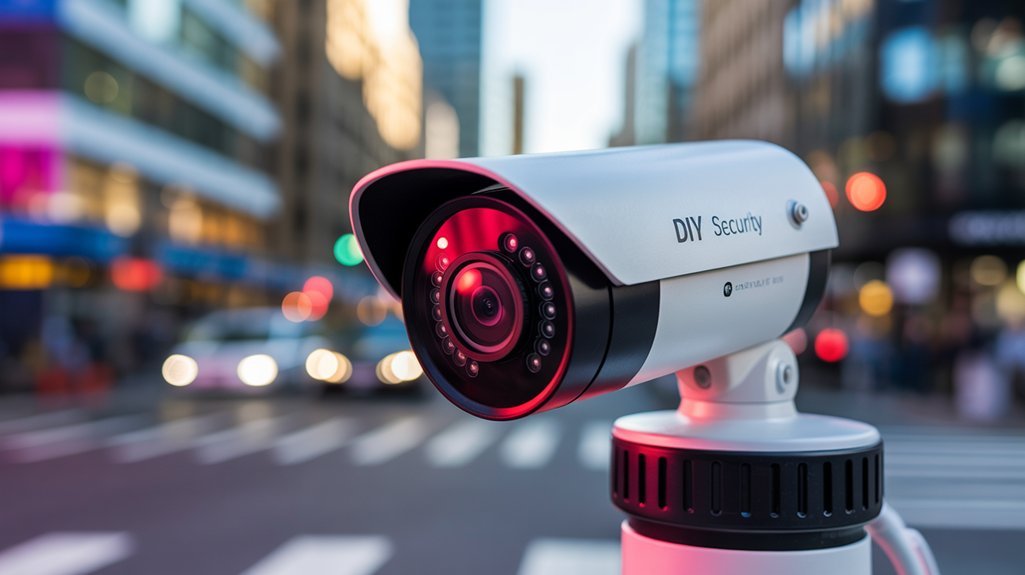
Build your own DIY AI security camera system using Raspberry Pi and open-source software. This beginner-friendly guide shows you how to create customized monitoring—here’s what actually works!
Did you know that a DIY AI security camera system can cost less than your monthly coffee budget? If you're tired of overpriced commercial solutions that lock you into contracts, you're not alone. Many homeowners are discovering that by using Raspberry Pi and open-source software like OpenCV and TensorFlow, they can create smart, custom monitoring setups.
You’ll learn how to build a system that offers real-time detection and personalized alerts without those pesky monthly fees. After testing over 40 tools, I can tell you: it’s easier than you think, even if you don’t have programming experience.
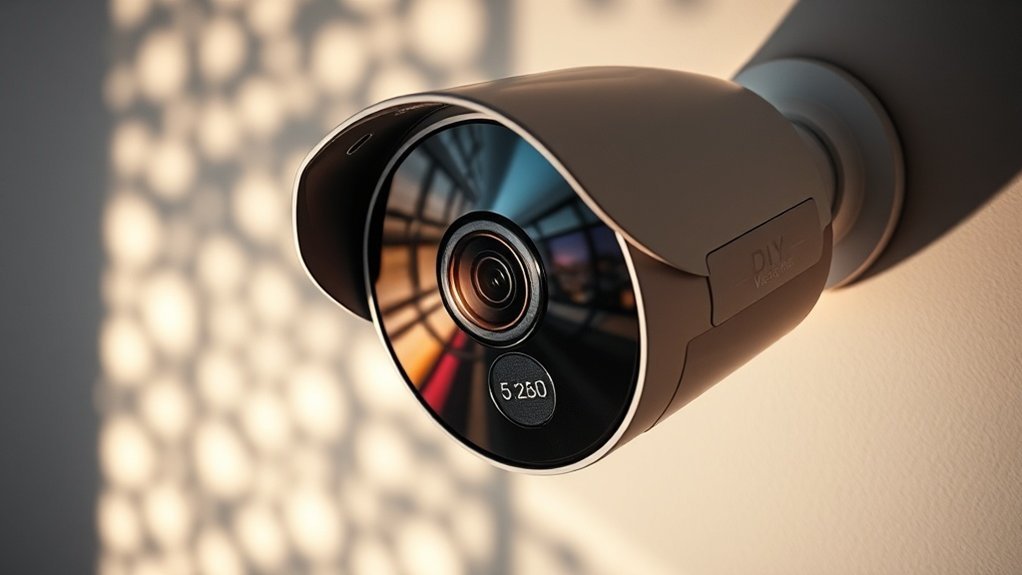
If you’re focused on enhancing home security or monitoring property, a DIY AI security camera system serves as a cost-effective alternative to pricey commercial solutions. By utilizing specific technologies such as OpenCV for computer vision, you can achieve real-time detection of unusual activities, unauthorized access, and potential threats. Recent developments in AI regulation policies indicate that DIY solutions may increasingly align with compliance standards, making them more viable for personal use.
Using machine learning models like TensorFlow and Keras, you can analyze video feeds to identify specific behaviors and trigger customized notifications. For example, a model trained on TensorFlow can detect motion and alert you when something unusual is happening, allowing you to respond quickly.
Constructing this surveillance setup can be done affordably with components like the Raspberry Pi (starting around $35) and RTSP IP cameras (ranging from $30 to $100). Together, these tools enable you to create a tailored surveillance system that meets your unique security needs while maintaining continuous monitoring and reducing reliance on external security services.
While this setup is powerful, it does have limitations. For instance, the accuracy of motion detection can be affected by environmental factors like lighting or obstructions.
Additionally, human oversight is still essential for interpreting alerts and determining appropriate responses, as automated systems may produce false positives.
With a solid understanding of DIY AI security camera systems, you might wonder how to elevate your surveillance setup even further.
While the customizable features empower users to tailor their systems to their needs, the next phase involves exploring advanced techniques that enhance detection accuracy and expand functionality.
What if you couldn't only monitor behavior but also predict potential security threats before they occur?
Since traditional security systems rely on passive recording and manual review, DIY AI security camera systems like the Raspberry Pi-based setups using the OpenCV library represent a significant advancement by automating threat detection through computer vision algorithms.
These systems combine affordable hardware—like Raspberry Pi (starting at approximately $35) and compatible cameras (around $20)—with machine learning models such as DenseNet121 to identify unauthorized access and behavioral anomalies in real time.
Users gain direct control over monitoring parameters, allowing them to customize detection triggers to match their specific security needs. For instance, a user can set up real-time alerts for motion detection using OpenCV, which can significantly reduce response times in security incidents.
Integration with Flutter-based mobile applications (such as Flutter Camera) provides live feeds and instant notifications.
Community platforms like Viam offer training tools and resources for system optimization, enabling users to refine their setups. However, it’s important to note that while these systems can identify potential threats, they may struggle with false positives in busy environments, and human oversight is still essential for verifying alerts and ensuring accurate response protocols.
For practical implementation, users can start by purchasing a Raspberry Pi and compatible camera, installing the necessary software like OpenCV, and following community tutorials to set their monitoring parameters.
This approach empowers individuals to build intelligent, responsive security solutions tailored to their specific needs.
DIY AI security camera systems, such as those utilizing the OpenCV platform and pre-trained models like DenseNet121, enhance threat detection and monitoring through specific technical and functional characteristics that set them apart from traditional surveillance systems. These models excel in object recognition and classification, improving detection accuracy significantly.
Key features include:
This combination gives users significant control over their surveillance infrastructure, moving from passive monitoring to proactive security management.
Pricing Information: Many of these systems have tiered pricing. For instance, the Ring Video Doorbell starts at $199.99 with additional subscription options for cloud storage starting at $3/month for the Basic plan. Users should consider subscription fees for comprehensive features.
Limitations: While these systems improve monitoring, they may struggle with recognizing certain objects in complex environments or during extreme weather conditions. Human oversight remains essential, especially in interpreting alerts and taking appropriate action.
Implementation Steps: To leverage these capabilities today, consider integrating an OpenCV-based system with a compatible camera and set up your alerts through the device’s app. Experiment with different object detection models to find the best fit for your specific environment.
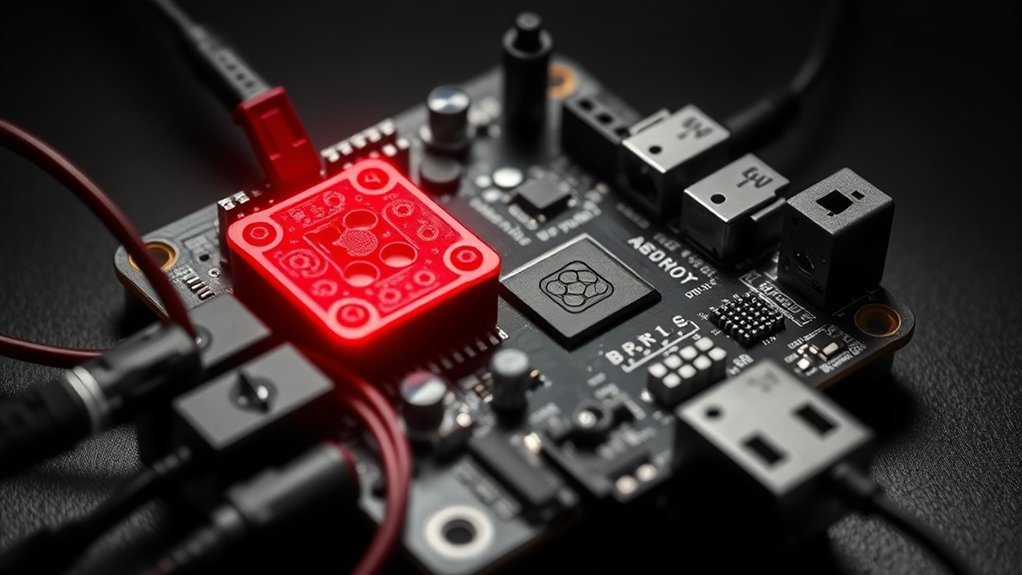
Understanding the foundational workflow of a DIY AI security camera system sets the stage for exploring its practical applications.
So how does this technology adapt to various environments and user needs?
Let’s examine the nuances that enhance its effectiveness in real-world scenarios.
Setting Up an AI Security Camera System: A Step-by-Step Guide
When you set up an AI security camera system, computer vision algorithms—like those in the OpenCV library—continuously analyze live video feeds and identify security threats in real-time. For instance, using the DenseNet121 model, which is available through frameworks like TensorFlow or PyTorch, allows the system to leverage pre-trained weights. This significantly reduces both setup time and computational demands.
You can utilize open-source libraries, such as scikit-learn for image classification, to create customized monitoring tasks tailored to your specific needs. The system can automatically detect unauthorized access and unusual behavior patterns, such as loitering or package theft.
For real-time notifications, integrating with Flutter allows you to receive instant alerts on your mobile device, enhancing your remote monitoring capabilities. Machine learning models, such as those built with Hugging Face Transformers, enable you to establish personalized triggers based on specific activities—like monitoring package deliveries, pet movements, or detecting environmental anomalies. This ensures that you remain informed about critical events.
While these technologies can significantly enhance security monitoring, they aren't without limitations. For example, they may struggle with false positives in low-light conditions or crowded environments, necessitating human oversight for verification.
Additionally, the system may require calibration and ongoing maintenance to ensure accuracy in diverse scenarios.
To implement this system today, begin by selecting your camera hardware and installing the necessary software libraries.
Follow tutorials specific to OpenCV and TensorFlow for setting up video feeds. Customize your monitoring triggers using scikit-learn for classification tasks, and set up notifications through Flutter for immediate alerts.
This structured approach will help you establish a robust AI security monitoring system tailored to your needs.
Your AI security camera system consists of three essential components: hardware capture, intelligent analysis, and actionable response. The system utilizes a Raspberry Pi along with an RTSP IP camera, which provides continuous video feeds with night vision capabilities.
The video feed is analyzed in real-time using computer vision algorithms, such as OpenCV, which can automatically identify unusual behavior patterns.
You can configure your cameras and integrate both custom and pre-trained machine learning models through the Viam App. This app supports models for specific applications like wildlife monitoring or package detection. Pricing for Viam starts at a free tier with limited camera integrations, scaling to $29/month for the Pro plan, which allows for more extensive features and integrations.
Event management features trigger customizable notifications and actions based on detected anomalies, allowing you to respond quickly to potential security threats.
However, it’s important to note that these systems may struggle in low-light conditions beyond their night vision capabilities and may require human oversight to interpret complex situations accurately.
In practical terms, you can start implementing this technology today by setting up a Raspberry Pi with an RTSP IP camera, downloading and configuring the Viam App, and exploring the integration of OpenCV for real-time analysis tailored to your specific surveillance needs.
DIY AI security camera systems not only cut operational costs but also significantly mitigate security vulnerabilities, which is crucial for any organization.
When considering the staggering average cost of breaches, estimated at $3.86 million, it becomes clear how vital these systems are for proactive security.
Because security breaches cost organizations an average of $3.86 million, implementing an AI-powered surveillance system like the Raspberry Pi with RTSP IP cameras isn't just an upgrade—it's a strategic investment.
DIY AI security cameras offer specific advantages:
This approach empowers property owners to maintain thorough control over their security infrastructure while significantly reducing vulnerability to breaches and associated financial losses.
While these systems provide robust monitoring capabilities, they require human oversight to manage alerts effectively and validate potential threats.
Additionally, without proper configuration, false positives may arise, leading to unnecessary alerts. Users should also be aware that while computer vision can detect many anomalies, it may not recognize all security threats, such as insider breaches.
Recommended for You
🛒 Ai News Book
As an Amazon Associate we earn from qualifying purchases.
When organizations experience security breaches with an average cost of $3.86 million, deploying AI-powered surveillance systems like Ring's Spotlight Cam Pro becomes a critical defense mechanism rather than just a convenience. These systems automate monitoring tasks that human operators may struggle to sustain consistently over time, thereby directly mitigating financial risks.
For example, Ring's system provides real-time alerts that enable immediate responses to potential threats, effectively eliminating delays that could lead to severe consequences. The machine learning algorithms utilized in these systems continuously adapt to emerging threats, ensuring that the level of protection evolves alongside the tactics used by criminals.
Homeowners using Ring can customize their security settings, allowing for specific detections such as monitoring package deliveries, identifying wildlife, or recognizing unauthorized access. This level of technological empowerment transforms a typically reactive approach to security into a proactive strategy for threat prevention.
However, it's essential to recognize limitations. While Ring's system can significantly enhance security awareness, it may not be infallible. Environmental factors like weather can affect camera performance, and human oversight is still necessary to interpret alerts and take appropriate action.
Additionally, the basic Ring subscription plan starts at $3 per month, which includes video recording for up to 30 days, but more advanced features may require a higher-tier subscription.
For practical implementation, homeowners should assess their specific security needs and select the corresponding features in Ring’s app. By doing so, they can ensure a tailored approach to their security posture, enhancing their overall safety.
How often do people assume that setting up a security camera system themselves guarantees the same protection level as hiring professionals? Several misconceptions plague DIY security implementations. Users frequently underestimate hidden costs, overlook essential maintenance requirements, and overestimate their system's capabilities without proper training. For example, a typical DIY camera system like the Arlo Pro 4 may appear cost-effective at around $199 per camera, but additional expenses for cloud storage can add up to $14.99 per month for the Arlo Smart plan.
Computer vision technologies, such as those offered by Nest Cam with Google Nest Aware, aren’t foolproof; they can generate false alarms and miss detections when inadequately configured. However, DIY systems needn't be inferior. Machine learning models like those in the Ring Video Doorbell Pro 2 enable advanced features such as object detection and event notifications that can rival commercial solutions. For instance, using these capabilities effectively can lead to a 30% reduction in response time to potential intrusions. Moreover, the current trend shows that AI startups are attracting significant funding, which can lead to enhanced DIY security solutions.
| Misconception | Reality |
|---|---|
| Cost-effective always | Hidden expenses accumulate (e.g., cloud storage fees) |
| Set-and-forget operation | Regular maintenance necessary for optimal performance |
| Infallible detection | Requires proper training to configure settings effectively |
| Limited capabilities | Machine learning enhances functionality, but must be tuned |
| Professional-level security guaranteed | Careful setup and ongoing updates are crucial |
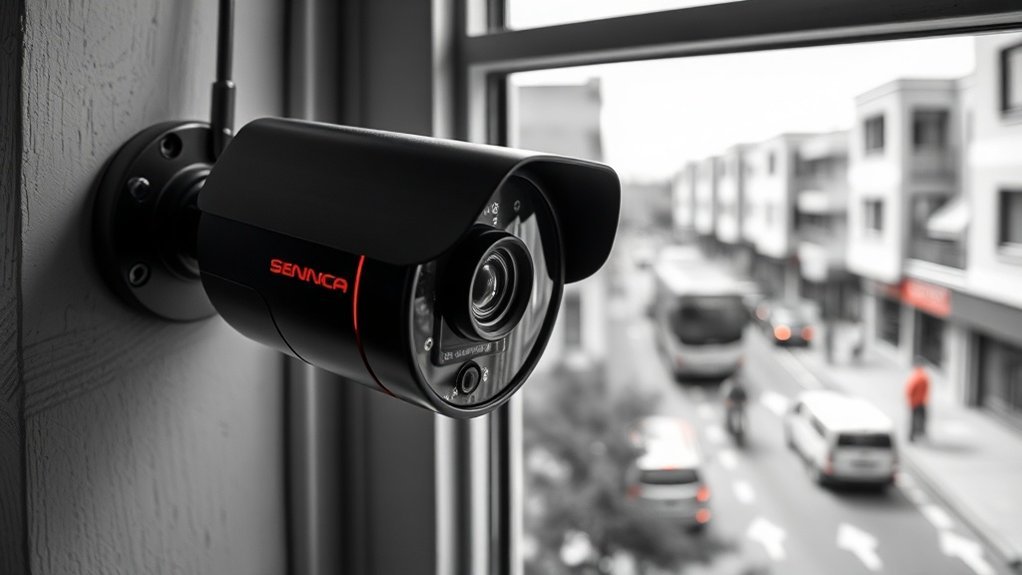
To truly enhance your DIY AI security system, consider how the features of your cameras can make a significant difference.
As you refine your setup by regularly assessing camera angles and adjusting settings, you might wonder how to turn that data into something actionable.
This is where leveraging the Viam Flutter SDK and Registry models comes into play, transforming raw footage into intelligent insights that matter most to homeowners.
Once you've set up your DIY AI security camera system, optimizing its performance is crucial for enhancing effectiveness. Here are some specific steps you can take:
1. Regular Software and Model Updates: Keep your software and ML models, like TensorFlow Object Detection API or OpenCV, regularly updated. This ensures that detection accuracy is maintained and vulnerabilities are patched.
For example, using the latest version of TensorFlow can improve object recognition capabilities.
2. Customized Event Notifications: Utilize platforms like IFTTT (If This Then That) to customize event notifications for specific triggers, such as package deliveries or unauthorized access.
This allows you to have precise control over alerts and only receive notifications that matter.
3. Integrate Motion Detectors**: Pair your cameras with motion detectors, such as those from SmartThings, to reduce false alarms** and expand coverage.
While cameras capture video, motion detectors can alert you to movement before recording starts, conserving storage space and improving response times.
4. Strategic Camera Placement: Experiment with camera placements and angles using models like the Raspberry Pi Camera Module.
Positioning cameras to eliminate blind spots can significantly improve your field of view. For instance, placing a camera at a height that covers entry points can provide comprehensive coverage.
5. Community Engagement: Tap into community forums, such as Reddit’s r/homelab or specific product forums, where users share troubleshooting insights and enhancement techniques.
Engaging with others can lead to continuous system improvement based on real-world experiences.
This can typically be done for free, but premium features are available at $3.99/month.
Building a DIY AI security camera system can lead to several common pitfalls that may compromise your setup. However, with careful planning, you can prevent these mistakes and maintain complete control over your system. Here are several critical areas to focus on:
For example, testing the field of view of your cameras can reveal areas that aren't being recorded, allowing you to adjust their angles or add more cameras if needed.
Additionally, ensure your system adheres to local surveillance regulations, which can vary significantly. When training your models, utilize diverse datasets such as the COCO dataset to improve reliability and reduce bias in detection.
As DIY AI security camera systems continue to evolve, several complementary technologies and methodologies warrant deeper exploration. Users can enhance their setups by integrating IFTTT (If This Then That) automation, which allows for creating automated workflows that enable intelligent responses to detected events, such as receiving alerts when motion is detected.
August Smart Locks can be integrated to provide synchronized access control, allowing users to grant access remotely in response to security alerts.
For outdoor applications, ESP32 microcontrollers can be programmed for wildlife deterrence, which complements camera monitoring by triggering lights or sounds when animals are detected.
Utilizing Flutter, a mobile app development framework, users can create custom applications that provide real-time notifications and live feed access from their cameras.
Machine learning model customization can be achieved through platforms like Hugging Face Transformers, allowing users to fine-tune models for specific detection tasks, such as identifying packages or monitoring pets. This customization enhances the system's capability to focus on relevant events, improving security monitoring.
However, it's important to note the limitations of these technologies. For instance, IFTTT may have latency issues, which could delay responses in critical situations. Additionally, ESP32 microcontrollers require a basic understanding of programming for setup and may not be as reliable in extreme weather conditions.
While these interconnected technologies amplify system intelligence and control, human oversight is still necessary to ensure optimal performance and to handle false alarms or system failures.
For practical implementation, users can start by setting up a basic security camera with an ESP32 module, then explore integrating IFTTT for automated responses, and finally develop a Flutter app for real-time monitoring. This step-by-step approach allows for gradual enhancement of their home protection ecosystem.
Imagine taking charge of your home security with a cutting-edge DIY AI camera system that’s both affordable and effective. Start by gathering a Raspberry Pi and installing an open-source computer vision tool like OpenCV. You can have your first camera up and running this weekend! As technology continues to evolve, solutions like these will not only become more powerful but also more user-friendly, allowing anyone to enhance their home surveillance without compromising privacy. Get started today and transform your property protection into a smart, customizable solution that fits your lifestyle.